Your venue, seat for seat.
Rows, tables and standing areas drawn to match your room, with a price per section. Buyers pick their own seat on your event page, and you keep back the ones you need.
- Seats, tables and standing
- A price per category
- Wheelchair seats marked
Drawn to match your venue.
Send us your venue layout and we build the floor plan with you in our seating editor: the stage, the rows, the tables and the standing area, where they really are.
A price for every section.
Each category gets a name, a colour, a base price and a service cost. Drag over a block of seats or pick a whole row, and assign it in one go.
- Buyers see the same colours on your event page
- Wheelchair-accessible seats are marked
- You decide who pays the service fee
Buyers pick their own seat.
Your map goes on your event page. Buyers tap the seats they want, and those seats are held for them while they pay. A seat sells once, never twice.
Keep seats back for the band.
Add a reserved order from the organizer app and tap the seats you want to keep. They come off sale straight away, no ticket email goes out, and you mark the order as paid when the money comes in.
Know who sits where.
The seating screen in the organizer app shows every seat as sold, held or open, in your category colours. Search a name, email, ticket number or seat and their seats light up on the map.
And then in 3D.
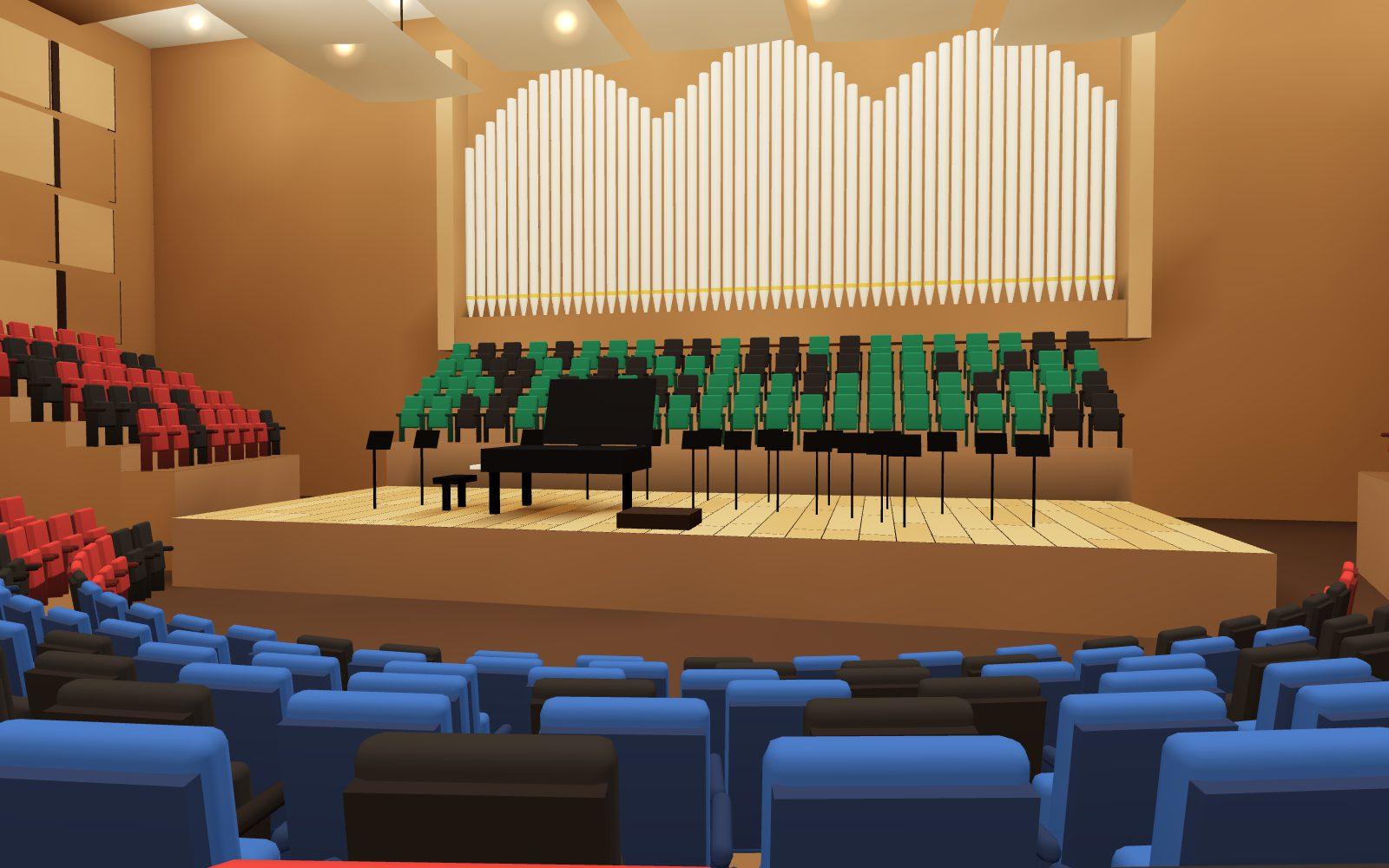
We can rebuild your hall on top of the floor plan. Buyers look around, see the stage from any seat and pick it there.
Trusted by












Bring us your floor plan.
Send us your event and venue layout. We draw the map with you and put it on sale, usually within a day.